Model nutrient availability
Review soil inputs, crop demand and application assumptions through the season.
Nutrition & applications
Bring modelling and application work together without confusing the calculation with the agronomic decision.
Explore the workflow ↓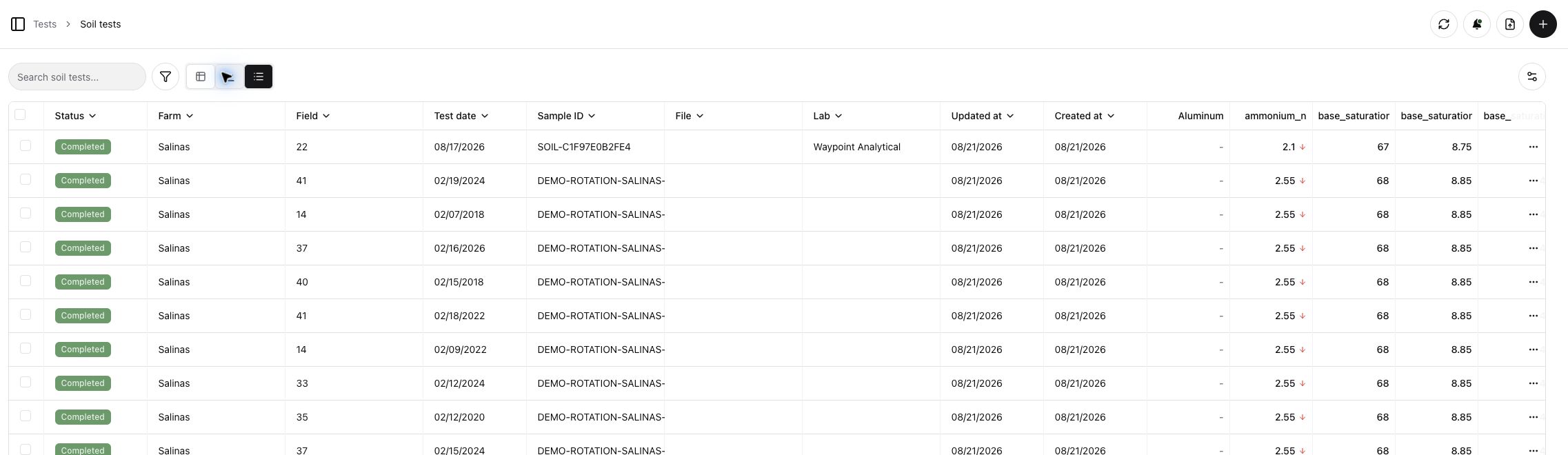
Bring modelling and application work together without confusing the calculation with the agronomic decision.
Review soil inputs, crop demand and application assumptions through the season.
The first modelling version supports the user’s analysis; it does not automatically recommend a programme.
Use templates, instructions and assignments to put the chosen programme into field-ready tasks.
Keep actual applications and crop observations available for future analysis.
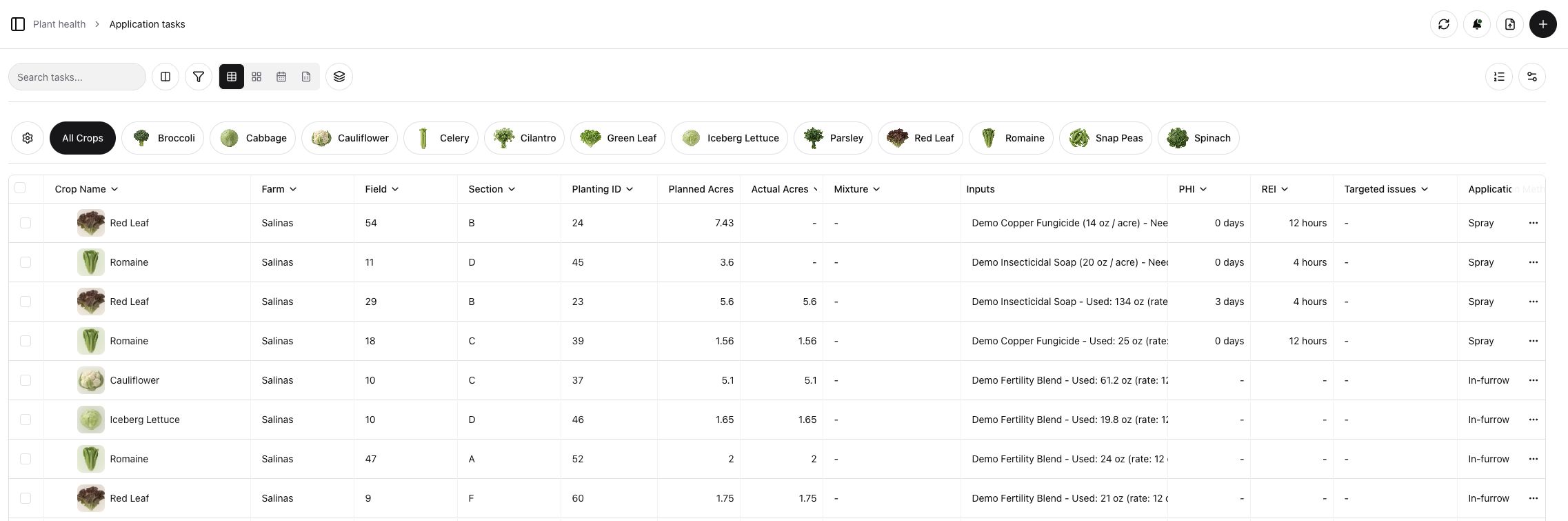
One connected platform
Explore the dedicated pages for modelling and execution. Both are part of the same planting record.
Walk through nutrition & applications with your team’s crops, workflows and priorities in mind.
Talk with Holo ↗